Activity
The Activity page is your live radar. It shows money transactions as they happen and tells you instantly if they look safe or suspicious.
Your Activity Screen
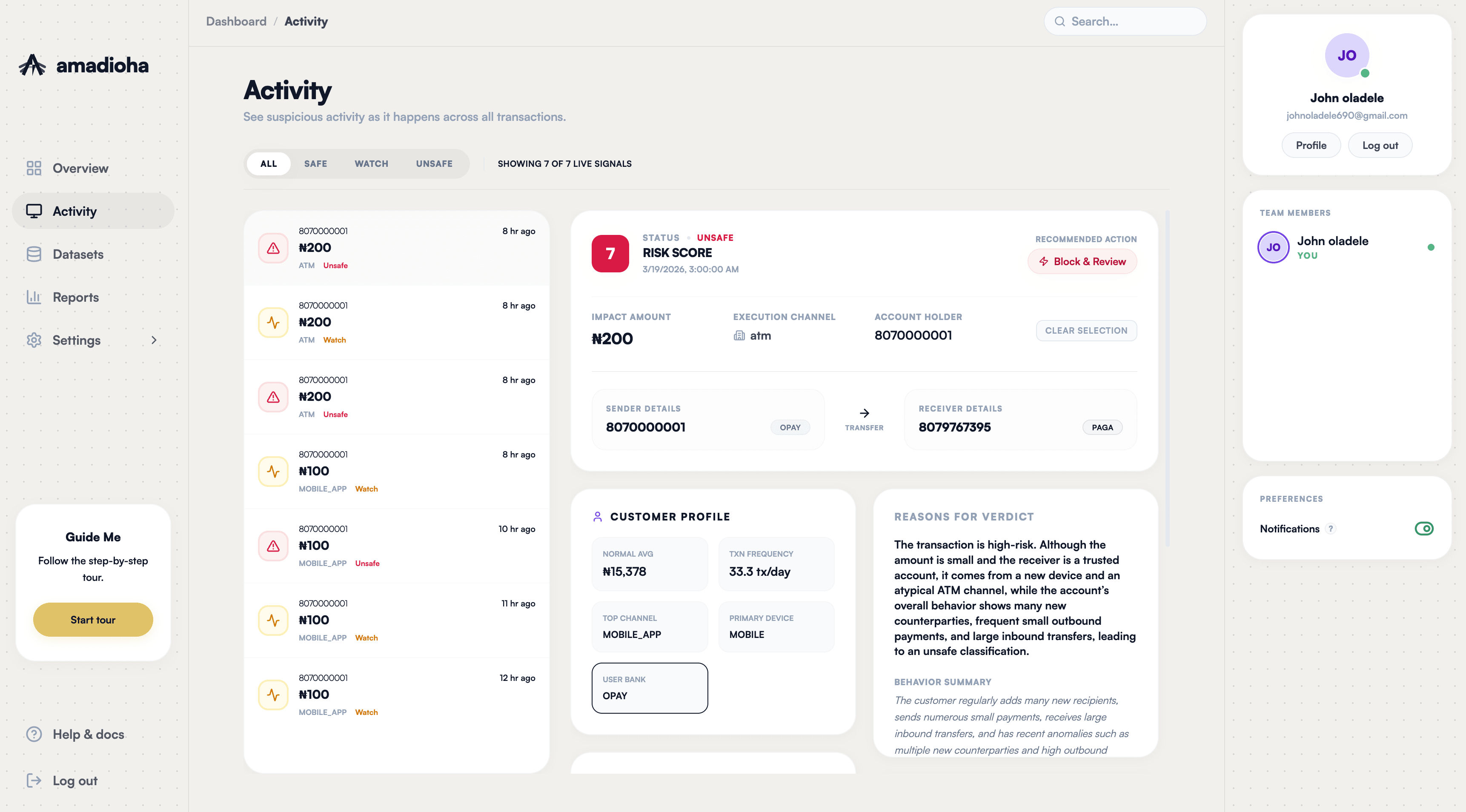
A demo of what the live activity screen looks like.
What is on the screen?
Three simple parts make up the activity page.
The Live Feed
A running list on the left side of your screen. Every time money moves, it appears here showing the amount, time, and a color label.
Quick Totals
Three simple boxes showing your total counts for the day. You can see at a glance how many are Safe, Watch, or Unsafe.
Trends & Charts
Simple graphs that show when risky transactions spiked today and a circular chart showing the overall split of good vs. bad transactions.